

Automatic nameserver change (Nameservers)
- By zemimk
- In Некатегоризирано
- With No Comments
- Tagged with .mk domen mk domain nameservers
- On 25 Apr | '2026

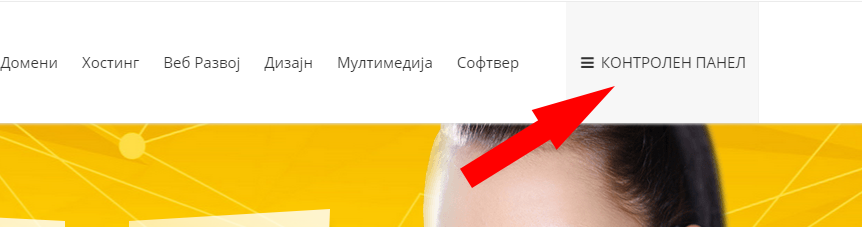
To change the nameservers for your domain, log in to the control panel on Zemi.mk using your username and password.
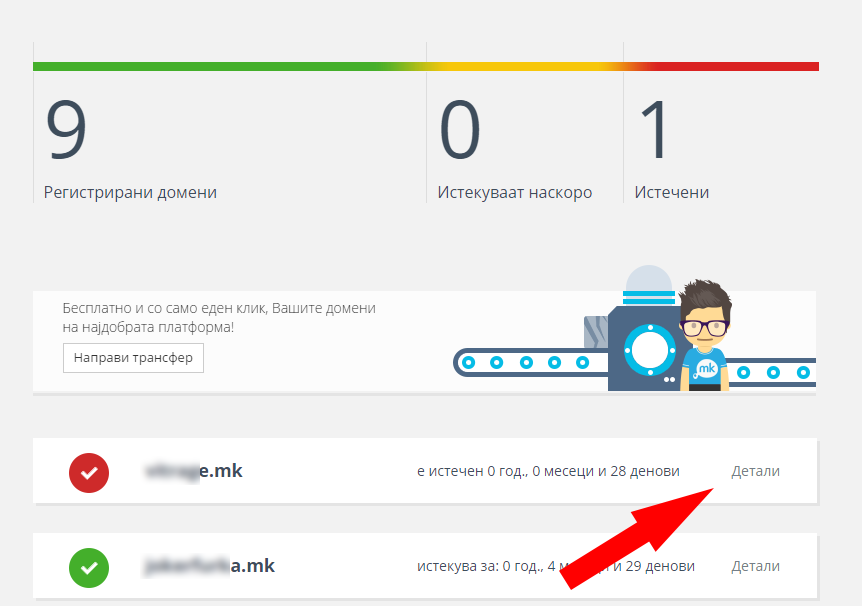
After logging in, click “Details” for the selected domain.
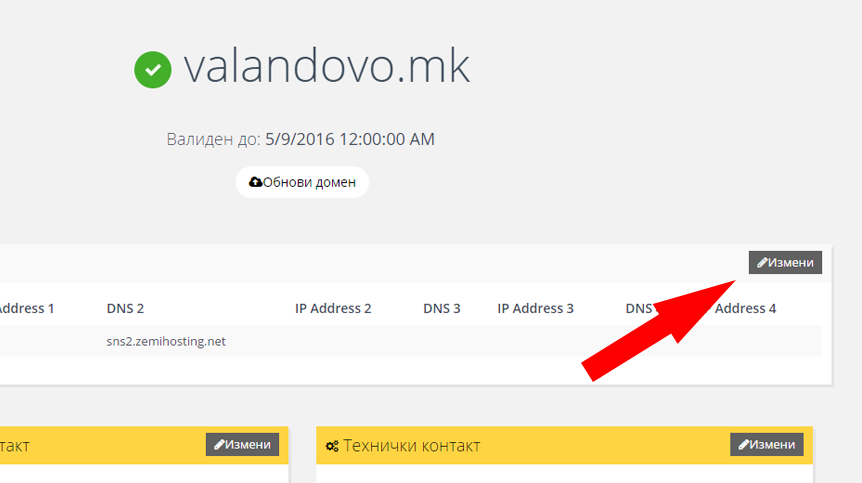
Then click “Edit” in the “Nameservers” section.
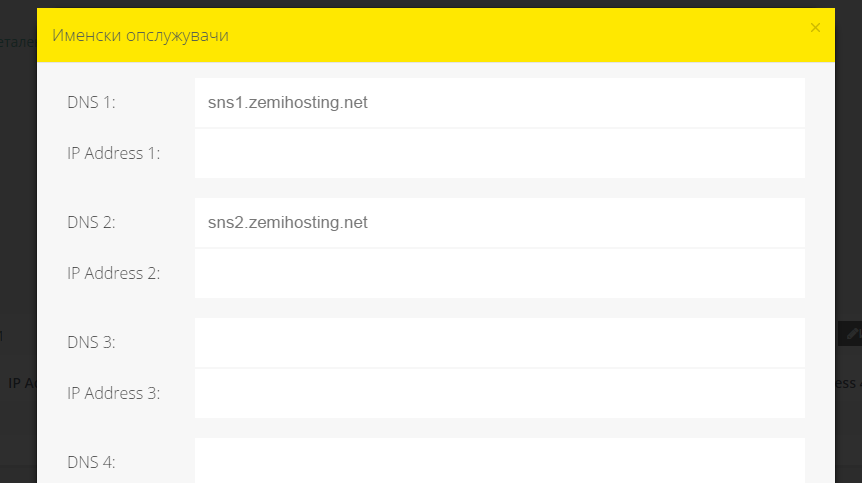
In the popup window that opens, change the nameservers and click “Save”.
What is MailChannel? 
Next post
 Transfer your .mk domain for free!
Previous post