
Zemk.mk – Блог

Posts in the mk domain category

It is our great pleasure to present the Android application for managing your Zemi.mk services :).
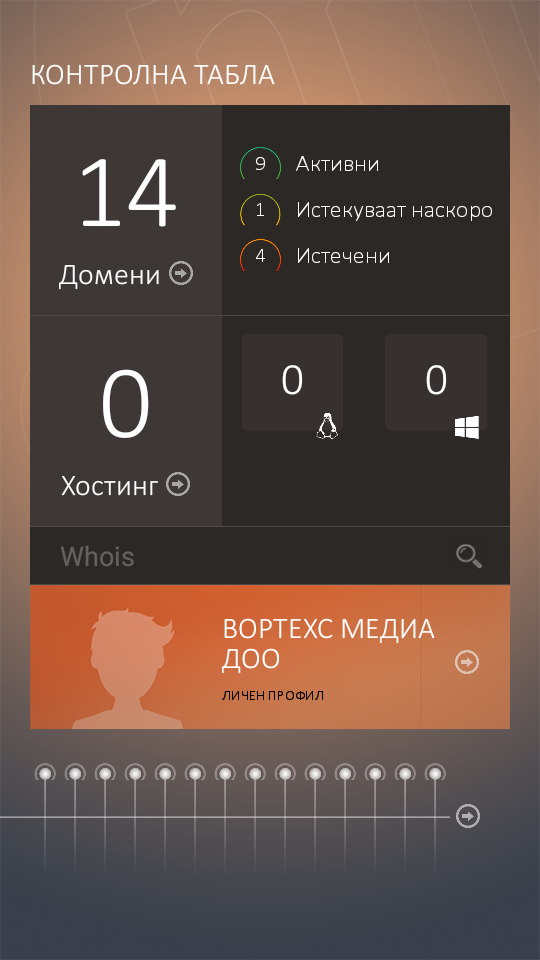
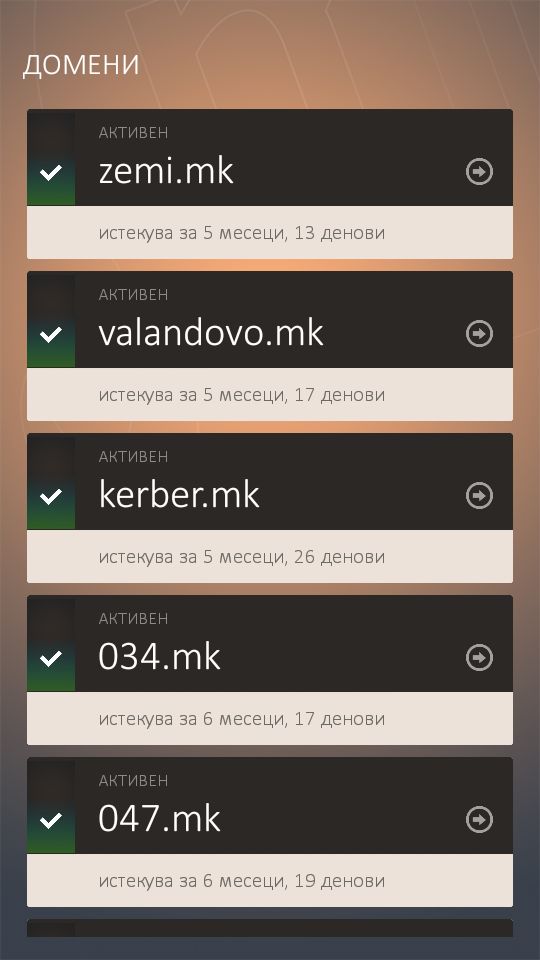
 

screenshot_2016-11-22-13-27-40 screenshot_2016-11-22-13-27-51


If your .mk domains are already on the right platform, Zemi.mk, and you own an Android phone, we warmly recommend installing the application. By logging in with your Zemi.mk username and password, you can receive notifications on your smartphone at any time about the expiry of your domain or web hosting package.

In addition to expiry notifications for Zemi.mk services, we have also created the “Up-time Robot”, designed to check whether your website is publicly available or requires your attention. With the Up-time Robot, your websites are automatically checked every 5 minutes to confirm whether they are accessible. You can enable or disable it separately for each domain.

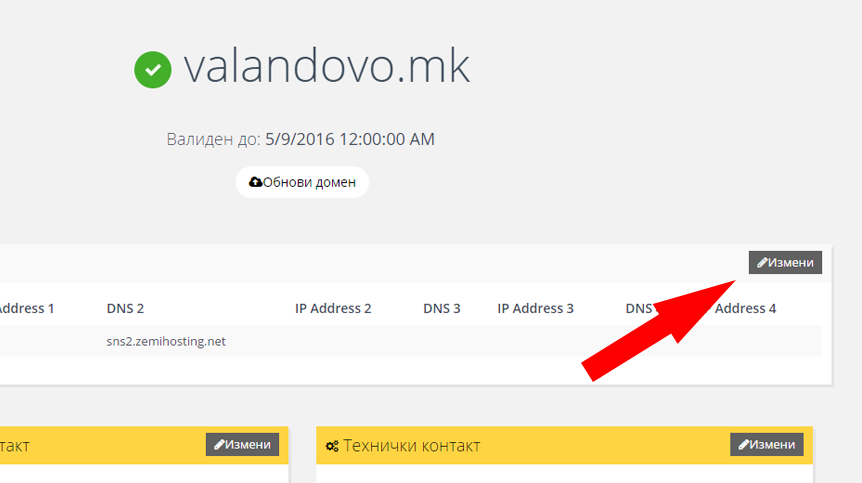
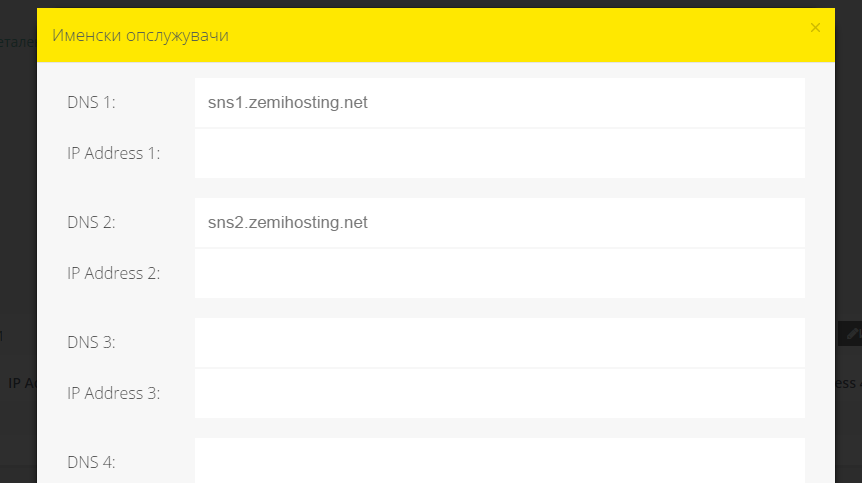
We have also enabled service renewals through the application with online payment, as well as changes to domain details such as technical or administrative contacts and nameservers.
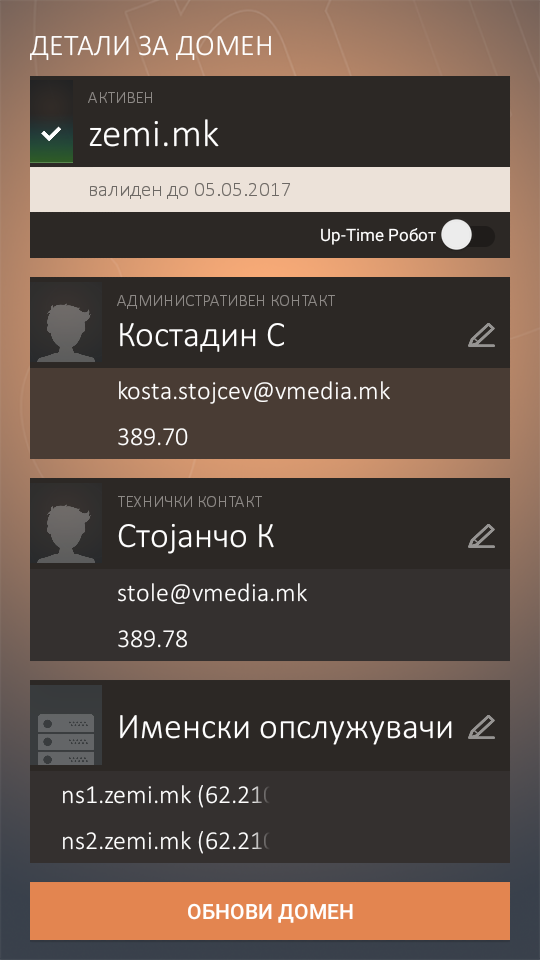
 

screenshot_2016-11-22-13-28-52 splash


Through the application, you can also search for .mk domains with a detailed WHOIS report.

You can download it from the following link, or search for it on Google Play using the keyword “Zemi.mk”.

The application was developed by Vortechs Media DOO, Valandovo.
Development: Aleksandar Manev
Design: Stole Kitanovikj
Web Service: Kostadin Stojchev
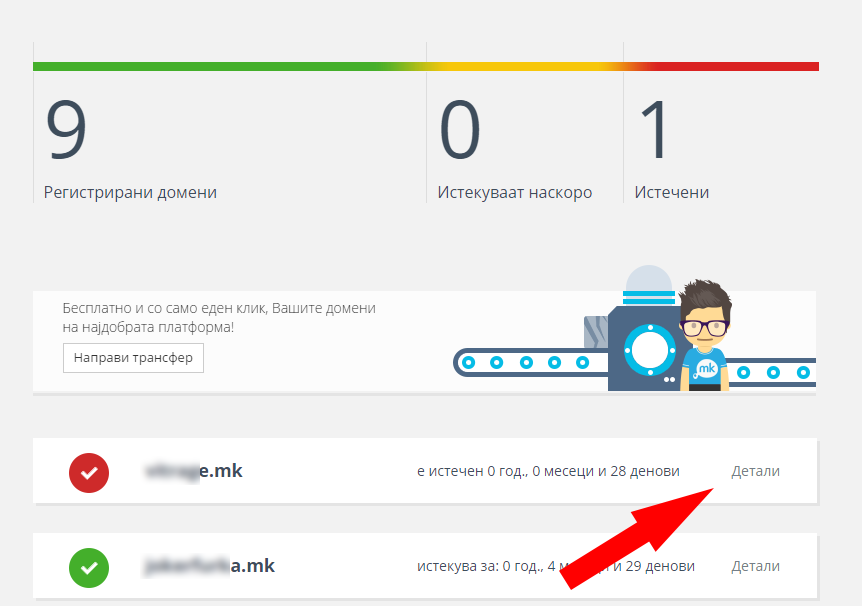
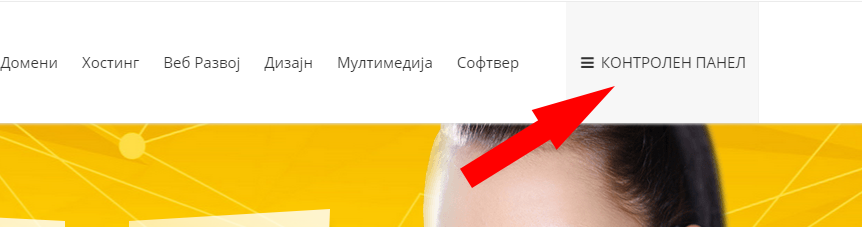
Domain renewal on Zemi.mk is done by payment card or by invoice through the system’s control panel. Click here to access the control panel.

Then, from the list, click the “Details” link for the domain you want to renew.

detali

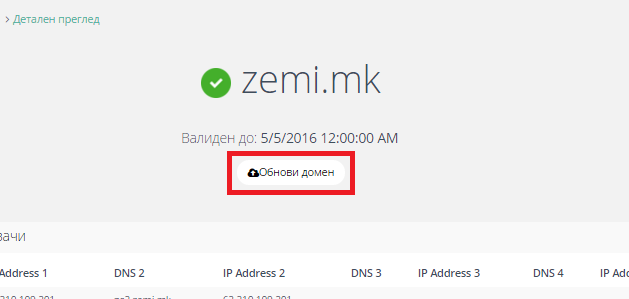
On the newly opened page, click “Renew domain” under the domain’s validity date.

obnova

From there, select how many years you want to renew the domain for, choose the payment method, and proceed to the payment section.

The procedure is the same for all domains in the .mk zone (.mk, .com.mk, .org.mk, .net.mk, .inf.mk), as well as for the .мкд national Cyrillic domain.

The New Year promotion continues into 2016. Every new web hosting package purchased from Zemi.mk until January 15 comes with a FREE .mk domain. Now, with hosting starting from only 999 denars per year, you receive a .mk domain worth 699 denars completely FREE!

12376285_926533454088497_9071936589919654925_n

How?

Purchase one of our hosting packages, then add the domain you want to your cart. One of our administrators will activate it for you, free of charge!

Happy holidays!
Zemi.mk,
Your favorite national domain registrar!

Domain registration on Zemi.mk is completed in just three simple steps.

First, log in to the system. If you do not have a user account yet, you can create one through the registration form available here.

After logging in, from the “Domains” menu, select the “Search” submenu. Here you can check whether the domain you want is free and available for registration.

If the domain is available, you will proceed to the page where you can choose the desired domain for registration from several available options. By clicking the “Add to cart and continue to setup” button, you will move to the page for setting up the domain contacts and nameservers. On the same page, you can also choose the payment method: “By invoice” or “By payment card”.

If you choose to pay by invoice, a proforma invoice will be generated and made available for download. It will also be sent to the email address you used to register on Zemi.mk. The domain will be registered after the payment for the service has been properly confirmed.

If you choose to pay electronically by payment card, the domain will be registered instantly and will be available for use and management immediately.

By clicking the “Continue” button, if you selected payment by invoice, your order will be confirmed and the proforma invoice will be sent to your email address.

Otherwise, you will be redirected to the cart, from where you can proceed to payment by card.

Zemi.mk does NOT store your payment card details. The entire payment process is handled through the Uni Bank system, with which we have a cooperation agreement and which is responsible for processing electronic payments.

Softaculous auto-installer allows you to install web applications with just one click. A large number of applications are available for simple installation through Softaculous, including portal applications, complete e-commerce solutions, CMS platforms, blogs, forums, and much more. In addition to simplifying the installation of these types of applications on your hosting account, Softaculous also offers the option to create backups, allowing you to back up your installations at any time.

You can view the complete list of web applications available through Softaculous here.

Softaculous is available to all users of Linux shared web hosting purchased from Zemi.mk, and upon customer request, it can also be installed on any dedicated server using a Linux operating system, with an appropriate additional fee.

The most commonly installed web applications through Softaculous are: WordPress, Joomla, phpBB, Magento, PrestaShop, and others.

softaculous_big

Use the opportunity offered by Zemi.mk and become part of the family of the most satisfied domain owners. With free transfer of your domains from other registrars to Zemi.mk, the most innovative Macedonian domain management platform, you get an easy-to-use control panel and the lowest domain renewal price of 549 denars — forever!

Why Zemi.mk?

Unlike other domain registrars in Macedonia, Zemi.mk uses an automated domain registration and management system fully developed and optimized for the needs of a .mk domain registrar. This means the user interface is tailored to the needs of Macedonian domain registrants. Domain registration is fully automated, with the option of online payment by card or payment by invoice, while transferring domains to Zemi.mk can be done with just one click!

What is required to transfer a domain to Zemi.mk?

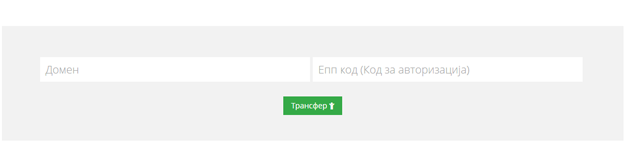
To transfer a domain, you need to request the EPP / authorization code from your previous registrar and visit http://zemi.mk/Transfer.aspx

transfer

In the “Domain” field, enter your domain, for example: mydomain.mk. In the “EPP Code” field, enter the transfer code issued by your current domain registrar, then click “Transfer”. Once the procedure is completed successfully, the registrant will receive an email at the email address associated with the domain, containing login details for the system and instructions for further domain management.