


WordPress SEO: optimizing your WP website for search engines (Google) – a practical guide from Zemi.mk.
- By zemimk |
- In WordPress Инфо |
- With No Comments
- Tagged with optimize wordpress wordpress seo zemi.mk wordpress hosting |
- On 25 Apr | '2026
At Zemi.mk, every hosting package is already technically optimized for WordPress, runs on a LiteSpeed web server, and includes a free SSL certificate. For Macedonian businesses, the free .mk domain you receive with our hosting packages is a strong signal of local relevance and can help achieve better rankings on Google Macedonia.
This guide explains how to apply all SEO checks in WordPress yourself, but also why each point matters, so you do not optimize “blindly”, but with understanding.
1. Image optimization — how and why
Why should images be named descriptively before upload?
Google and other search engines do not “see” images like people do. They understand them through:
-
The file name
-
ALT text
-
The context around the image — title, paragraph, page topic
-
Metadata and loading speed
When an image is named like this:
It tells Google:
-
what the image is about
-
which topic it belongs to
-
whether it is relevant for searches around a specific keyword
Detailed explanation of the SEO value:
1. Better indexing in Google Images
Descriptive names allow images to appear when users search for related terms. This brings additional organic traffic.
2. Clear topical signal — Relevance Boost
If the page is about “WordPress hosting” and contains an image named “wordpress-hosting.jpg”, the search engine receives a consistent signal, which strengthens ranking.
3. Better accessibility — Accessibility = indirect SEO factor
Screen readers and Google algorithms use ALT text, which is often automatically filled based on the filename if the user does not enter ALT text manually. If the filename is good, the ALT starting point is already strong.
4. Safer than over-optimization
Images should be named descriptively, but not spammed. The hyphenated format is the cleanest and does not confuse the algorithm:
✔ good:web-hosting-macedonia.jpg
✖ bad:webhostingmacedonia123!!!.jpg
5. Format suitable for web performance
A name without special characters reduces the chance of server and CDN errors, which is important for stability and crawling.
How to properly optimize images in WordPress?
Step 1: Naming before upload
-
Use Latin characters
-
No spaces; use
-instead -
Make it descriptive and related to the topic
-
Include the keyword naturally
Example template:
Step 2: Upload to Media Library
-
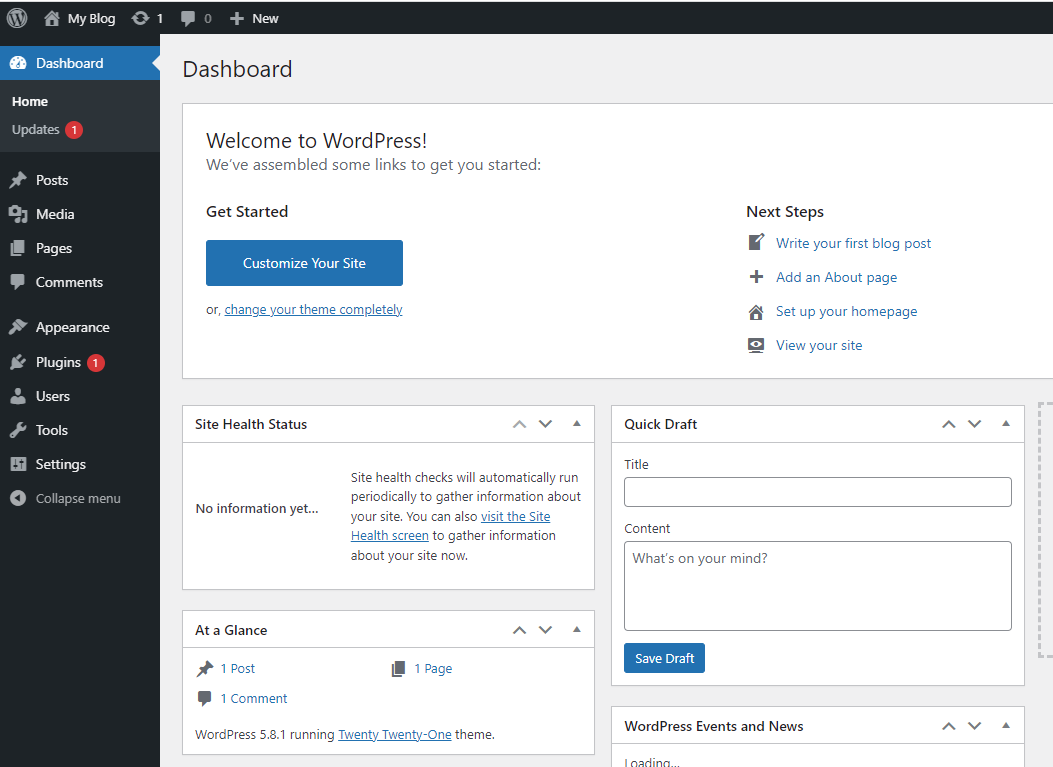
Dashboard → Media → Add New
-
Drag the image or select it from your computer
-
Wait until it is fully uploaded
Step 3: Filling in ALT text
-
Click the image in Media Library
-
On the right → Alternative Text (ALT)
-
Enter a description that:
-
contains the keyword if relevant
-
explains what is shown
-
is not too long — up to 125 characters is ideal
-
Example:
Step 4: Compression and next-gen formats
In a Zemi.mk LiteSpeed environment, the best option is:
-
LiteSpeed Cache → Media → Image Optimization
-
Enable:
-
Generate WebP Versions → ON
-
Lazy Load Images → ON
-
-
Click Optimize Images
Or, if you do not use the LSC plugin for optimization, install an image optimizer such as ShortPixel, Imagify, or Optimole.
Step 5: Check whether WebP images are loading
-
Open the website
-
Right-click an image → Open image in new tab
-
If the URL ends with
.webp→ optimization is working
2. URL optimization — explanation and implementation
Why should URLs be clean and include keywords?
The URL is one of the first SEO signals Google reads. It should be:
-
short
-
clear
-
descriptive
-
include the main keyword
Example:
This is important because:
-
CTR increases
Users are more likely to click a URL they understand. -
Topical relevance
A keyword in the URL is a strong ranking signal. -
Site architecture
Categories and subpages in a logical order help Google understand what is important.
How to set permalinks in WordPress?
-
Dashboard → Settings → Permalinks
-
Choose:
-
Save Changes
How to change the URL of a post/page?
When creating a post or page:
-
Dashboard → Posts or Pages → Add New
-
Near the title, you will see:
-
Click Edit
-
Enter the URL slug:
Example:
-
Save
3. Speed and hosting — is it true that they affect ranking?
Yes. Speed is an SEO factor because:
-
it affects Core Web Vitals
-
it affects User Experience Signals
-
faster crawling → more pages indexed → better ranking potential
The LiteSpeed server we use at Zemi.mk:
-
serves static files faster
-
has more efficient cache than Apache/Nginx in a WordPress environment
-
reduces TTFB — time to first byte
-
improves real-world WordPress performance
4. Additional critical checks in WordPress
Connecting Google Search Console
-
Go to the plugin:
-
Rank Math → General Settings → Search Console → Connect
or -
Yoast → Site Features → Webmaster Tools
-
-
Connect your Google account
-
Verify domain ownership if required
XML Sitemap
Open:
sitemap_index.xml → submit it in Search Console → as explained above
Robots.txt check
Open in your browser:
https://your-domain.mk/robots.txt
Make sure it does not contain:
Mobile-friendly check
Google mobile test → enter your domain → fix responsive issues if they are reported
Caching purge
LiteSpeed Cache → Toolbox → Purge All Cache
Database optimization
LiteSpeed Cache → Database → Optimize All
Broken link scan
-
Plugins → Install: Broken Link Checker
-
Scan and fix links that return 404 errors
Schema Markup
Rank Math automatically adds schema, but check:
Rank Math → Titles & Meta → Schema Types
Choose the type according to the website — Article, Product, Service, LocalBusiness, etc.
5. Local SEO and .mk domain — why is it important?
The .mk domain is important because:
-
Geo-target signal
Google understands that the website is intended for Macedonia. -
Local trust
Users have greater trust in a local domain. -
Faster local ranking
For businesses targeting the Macedonian market, .mk is a competitive advantage. -
Lower risk from keyword competition
With a .com domain, you may rank globally, but locally, .mk often wins for Macedonia.
At Zemi.mk, you get the .mk domain for free with a hosting package, so you can start with an SEO advantage from the very beginning.
If you follow these checks, you will have a WordPress website that is:
-
technically stable
-
fast for users and Google bots
-
secure — HTTPS + SSL
-
locally relevant — .mk domain
-
with optimized images and clean URLs